How to build a board-ready ERP business case you can defend
When deciding on an ERP and implementation plan for your business, you may be confident in your finalist, their approach, timeline, and cost. But that’s not enough: you still must convince the board. To do that, you need a crisp portfolio of information that communicates to them you thought through all aspects of the transformation, and that when they ask you about your choice, you are the technical expert they can entrust their investment with.
To do that, you need three artifacts included in your presentation:
- A risk register that names every material risk and who accepts it
- A chart outlining decision gates where the project can be stopped on pre-agreed criteria
- An investment summary helps the board understand cost and ROI.
These three components of your board presentation are critical to their decision and therefore essential to your preparation for your meeting with them. In this article, we detail what each one is and how to develop them.
The decision has to hold up when the board asks why
A board approves the budget, but that’s not the only consideration. They will need a clear picture of the implementation time and how disruptive the process will be to the business. Moreover, they’ll want to be confident that your selection is the right fit; no one wants to have to live with the wrong ERP. Worse, it’s almost unthinkable that you’d be having this same conversation a year later when you realize you can’t live with the big decision you made last time.
The board rarely sits through the discovery process that justified it. So, the question that lands months later is a simple one: on what basis are we committing capital and resources, and who owns it through to completion (and makes certain it doesn’t slip)?
A defensible ERP decision takes all of this into consideration well before they cut the check, often even before the first conversation with the board happens. It defines the risks that are known, the gates where the work can be stopped, and the numbers the board will weigh. Most of this work happens during and immediately after the discovery phase, the vendor engagement that produces the plan and pricing model. However, there are key aspects of the buying decision that you should understand before you even begin researching options that will help make your board presentation pass muster.
Be sure your plan includes an ERP decision gate
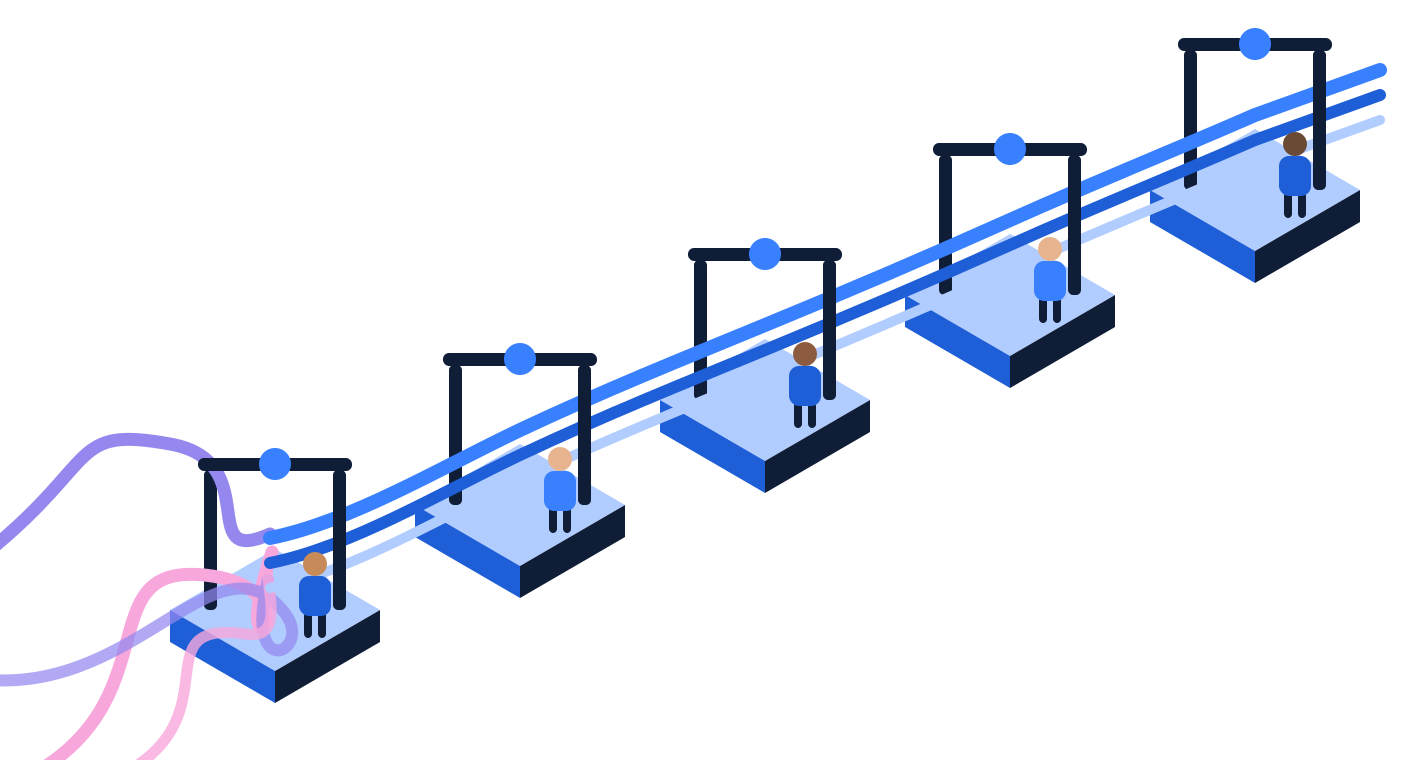
An ERP decision gate is a series of checkpoints, agreed before the project starts, where work continues only if named go or no-go criteria are met and a named person signs the decision. Not to be confused with a status meeting, a gate asks the specific question: Should we continue to move forward? It’s a simple yes or no question. An ERP implementation will include a series of gates, and as a result, you’ll ask yourself a number of times if you are good to continue on to the next phase of implementation.
Gates matter most around the statement of work (SOW) your implementation partner commits to deliver. When it’s vague, the gap between what was assumed and what gets built often results in a change order, raising costs and adding delays. Too many of these, and the implementation can become a nightmare. The best approach is to set up gates at the outset and check them against the SOW before you sign. This is a great way to ensure that you and your partner are clear on the scope; in fact, discussing decision gates can often force important questions to the front so you don’t have as many surprises down the road.
The decision-gate sequence runs from the business case to go-live
The gates form a sequence, each with a decision the right person signs before the next phase of spend begins. In the table below, we’ve outlined a typical decision gate sequence and the typical sign off on go/no-go. Use this to build out your own decision gate.
| Gate | What must be true to pass | Go / no-go decision | Who signs off |
|---|---|---|---|
| Business case | Investment summary and risk register exist, and the board has read them | Approve the spend or send it back | Board or sponsor |
| Scope | Statement of work matches the Blueprint scope, with change-order triggers named | Sign the SOW or renegotiate | Executive sponsor |
| Design | Redesigned processes are approved before any configuration begins | Build or redesign | Process owners |
| Data | Data is clean enough to migrate and the gaps are known | Migrate or remediate first | Data owner |
| Go-live | User acceptance testing passed and the business can operate on day one | Cut over or hold | Steering committee |
An ERP risk register names every material risk, its owner, and who accepts it
In tandem with the ERP decision gate, an ERP risk register is a living document that lists every material risk to the implementation, its likelihood and impact, the planned mitigation, and the person who owns it. The risks that cannot be fully eliminated are the residual risks, and the register names the person responsible for each one.
By naming an owner for each risk, you help ensure that the risk is mitigated, since the owner owns the liability. Because the register records ownership and assigns responsibility, it’s imperative that the register is not made in a vacuum. Each owner should be fully aware of their responsibility and be given ample time to consider all angles of impact so they can raise concerns before work has started. On the other hand, all risks should be considered at the forefront and assigned owners. This often looks like a workshop with executive leadership who all consider their area of responsibility and map out high-level concerns. They then take their concerns to their teams to add context and color. Someone must sign off on the residual risk, and the register says who.
The residual risk owner is the named executive who is on the record accepting a risk that cannot be fully removed before the project proceeds. This person is critical to helping navigate situations where a responsible party makes a no-go decision but may not necessarily have consensus among leadership. The residual risk owner can override the no-go call, allowing the project to move forward. Situations where this may come into play include:
- Data that will not be perfectly clean at cutover.
- An integration that carries a known limitation.
- A go-live date that leaves little margin.
The investment summary: the most important document the board considers
To help your ERP project get started, you need to convince the board that you’ve made the right decision on an ERP. They make the first call on whether or not this project moves forward, so you need to address the thing most important to them: capital expenditure and the ROI on it.
An investment summary presents the board with a clear outline of the total estimated costs, projected financial returns, and operational benefits required to justify the capital expenditure.
At the first gate, the board weighs the investment summary and the risk register together. The register names what could go wrong and who owns it. The summary sets the cost against the expected return. Together, they give the board a complete basis for approving the spend.
The summary states total cost against expected operational gain, names the assumptions behind both numbers, and gives a cost range rather than a single confident figure. A range signals how much confidence the estimate can actually support.
It also states what changes after go-live. For a parent company or PE sponsor, that typically means consolidated reporting: one set of numbers across entities that agree with each other. When the implementation delivers that capability, the summary should state it directly, since that capability counts toward the return.
A trustworthy partner will help you build a decision gate, risk register, and investment summary you can rely on
When you’re evaluating ERPs, it’s common to undergo discovery with your finalists. From the final report that comes out of discovery, you will get much of the raw material you need to develop your decision gate and investment summary. This is helpful but often leaves you with a lot of work to do afterward.
Gray Matter Logic takes a different approach to the discovery process. It’s unique in two key ways:
- We send our expert on site to dig into your processes
- We use our AI platform, Peregrine, to examine your system and synthesize both the state of your data and the insights we gather in person.
The outcome is a much more comprehensive view into your business and a confident projection of what your ERP implementation will look like, both in terms of how long it will take and how much it will cost. As part of the final report, the Blueprint includes the risk register, the gate sequence, and the investment summary so that you’ll be equipped to bring your final decision to the board with confidence.
Some examples of how companies have used our Blueprint include:
- At a global NYSE-listed testing-systems manufacturer, the turnaround was run as a governance framework, with monthly leadership reviews that gave the executive team the visibility to weigh each next phase.
- At the leading professional hand tool company in the world, a decade-long program was governed through a formal Program Office with the reporting cadence a Fortune 500 board expects.
- The same sequence shows up in confidential work: a renewable-energy EPC deploying more than seven gigawatts mapped its processes and fixed its future state before any configuration, and a federally regulated manufacturer proved its system through formal user acceptance testing before go-live.
Want to learn more? Explore Gray Matter Logic’s Implementation Blueprint process here.
FAQ
What is an ERP decision gate?
An ERP decision gate is a checkpoint, agreed upon before the project starts, where work continues only if named go or no-go criteria are met and a named person signs the decision.
What is an ERP risk register?
An ERP risk register is a living document listing every material risk to the implementation, its likelihood and impact, the mitigation, and the owner accountable for it. The risks that cannot be fully eliminated are the residual risks, and the register names who accepts each one.
Who signs off on the residual risk in an ERP project?
A named executive does, called the residual risk owner. Residual risks are risks that a good plan reduces but cannot remove, such as data that will not be perfect at cutover or a tight go-live date. A named residual risk owner is important in cases such as when a decision owner decides their gate is a no-go, but there is disagreement on the team. The residual risk owner can override the decision and move the project forward.
What goes into a board-ready ERP business case?
Three artifacts: a risk register that names each material risk and its owner, a decision-gate sequence showing where the project can be stopped, and an investment summary that sets cost against expected operational gain with the assumptions stated. Produced before the build, they let a board, a parent company, or a PE sponsor see the basis for the decision. It is designed to answer many of their important questions before they need to be asked.
How do decision gates prevent ERP change orders and budget overrun?
A change order is a priced addition for work outside the original statement of work, and most trace back to scope that was vague when the SOW was signed. A scope gate before signing, checking the statement of work against the Blueprint scope and naming what will trigger a change order, controls that exposure while it is still within budget to fix.
Why should the implementer produce these artifacts rather than a separate adviser?
Because a plan is most trustworthy when its authors are accountable for delivering it. When the team that writes the risk register also owns those risks through go-live, the register is written honestly. The Gray Matter Logic Implementation Blueprint produces all three artifacts before any build begins, and they remain yours to keep.
How can I book a discovery call to scope my board-defensible ERP decision?
Start by connecting with Gray Matter Logic. We’ll begin with a free 30-minute consultation to understand your situation and answer any questions you might have regarding our Implementation Blueprint and how you can get started.